Sandbox ↗
GTA: Vice City Project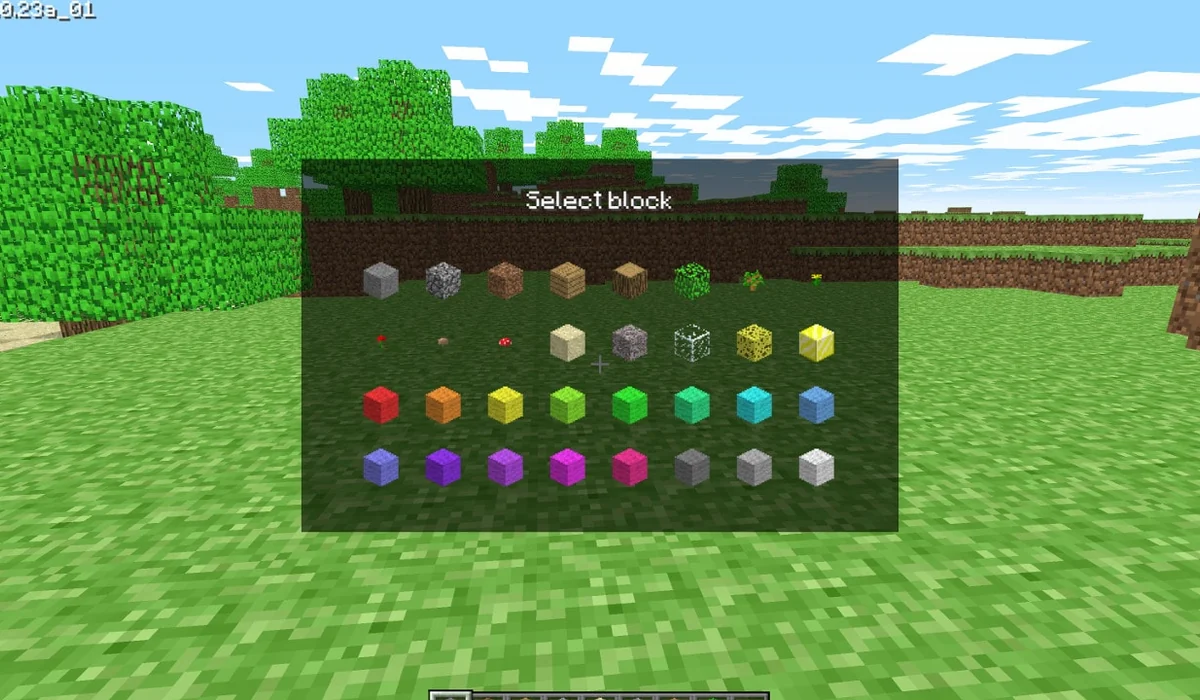
Mojang’s browser release revisits Minecraft’s 2009 creative building experience with 32 blocks. It requires a keyboard and a browser with WebGL and WebRTC; it is not current Java or Bedrock Edition.
The project offers a browser start screen. It may download game data into the browser and require a recent browser or a capable device.
Desktop projects generally use keyboard and mouse. Follow the game site’s instructions for exact controls.