Before you play
Inspect a community Team Fortress 2 browser project with a resource loader, player-name field and fullscreen option. It is separate from Valve’s official desktop release.
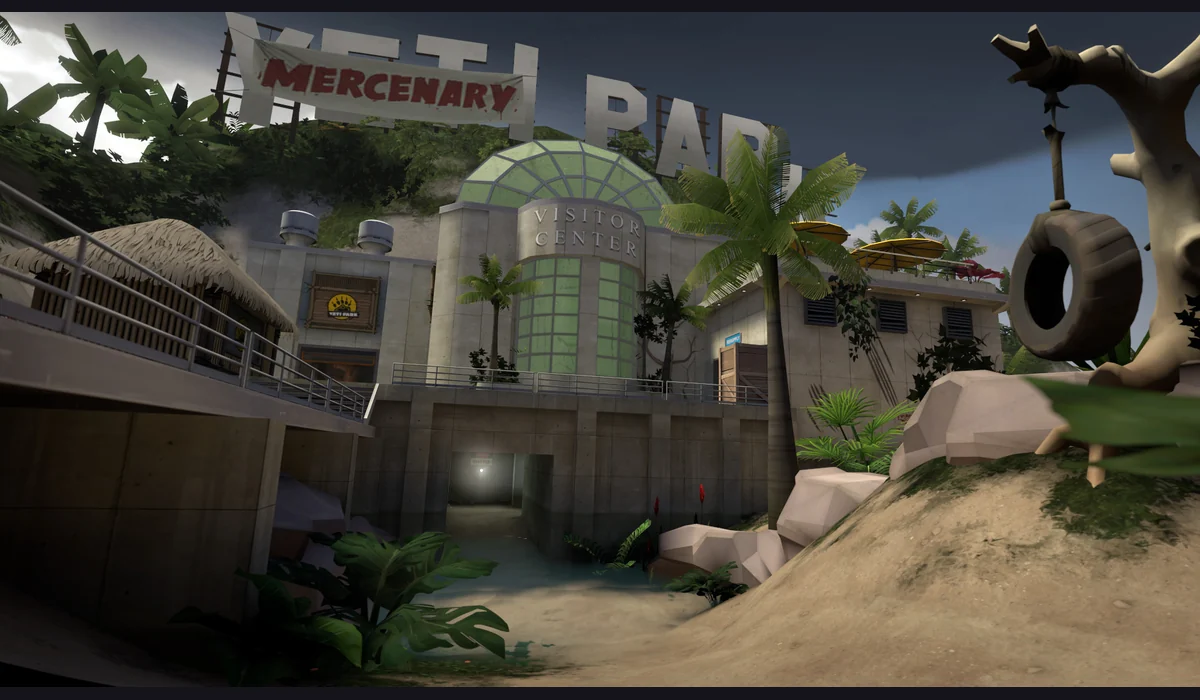
The page and active resource download were observed on October 17, 2026. Gameplay and online matches were not verified. Unofficial community web project; the reference artwork shows the original desktop game, not a verified web gameplay capture.
How to get started
- Open the community project on a computer and wait for its resource downloads. The initial load can be large.
- Follow the project’s name and in-game prompts after loading. If it stalls, check the visible loader or return to the directory for another shooter.
What you need
Project instructionsUse the desktop project’s current browser and resource instructions. Its download loader was reached, but completed loading, additional file requirements and online server connectivity have not been established.
Controls
Use the host’s in-game input instructions once loading finishes. Exact movement, combat and controller mappings have not been verified; phone support is unknown.
Questions before you play
What do I need before starting?
Use the desktop project’s current browser and resource instructions. Its download loader was reached, but completed loading, additional file requirements and online server connectivity have not been established.
What was checked?
The page and active resource download were observed on October 17, 2026. Gameplay and online matches were not verified. Unofficial community web project; the reference artwork shows the original desktop game, not a verified web gameplay capture.
Sources & project instructions
Guide checked: