Before you play
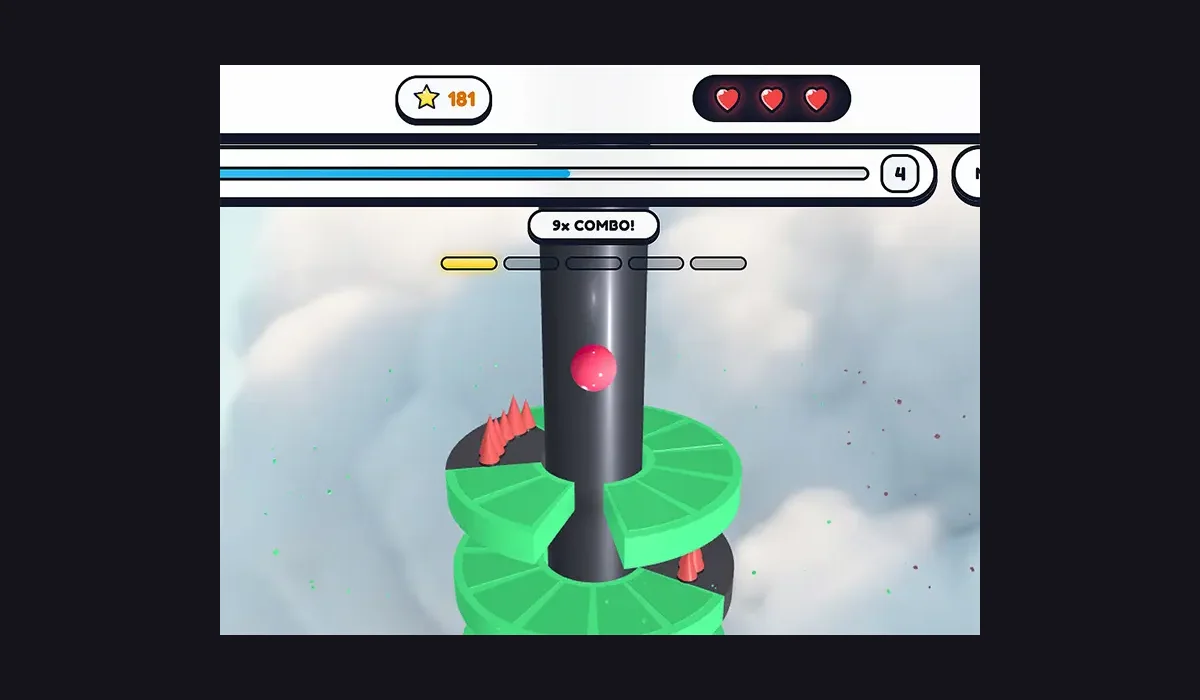
Open Stack Bounce 3D: Helix Smash on its publisher’s browser-game page.
The publisher listing and source page were checked. A complete play session, saves and physical mobile play were not verified. This is a source listing, not a guarantee that every feature works.
How to get started
- Open Stack Bounce 3D: Helix Smash on www.y8.com and find its browser player.
- Read the game’s own instructions and choose Run game or its available play control. Allow the player to load before interacting.
What you need
Project instructionsThis entry opens the source-named publisher’s page for the browser game. Loading, account and save behavior depend on the original project; this directory does not promise cross-device progress.
Controls
Follow the player’s own keyboard, mouse or touch instructions. Specific controls and physical-device support were not independently tested.
Questions before you play
Where does this entry open?
This entry opens the source-named publisher’s page for the browser game. Loading, account and save behavior depend on the original project; this directory does not promise cross-device progress.
What should I know before playing?
The publisher listing and source page were checked. A complete play session, saves and physical mobile play were not verified. This is a source listing, not a guarantee that every feature works.
Sources & project instructions
Guide checked: