← Back to all browser games
Puzzles

Lights Out

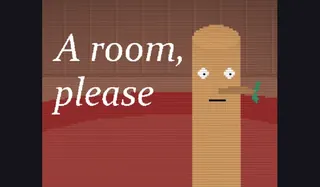
A minimalist Lights Out puzzle: tap a tile to toggle it and its four orthogonal neighbours, and keep tapping until every light is off. Restart resets the board.

Darkwaar

Prepare to play

Desktop

Primary · darkwoodcom.itch.io

Read the setup requirements on the original game page.

Use a computer with the game’s recommended controls.

Browse phone games
Open game siteOpens the original project in a new tab.
0 Historical popularity

Report a problem

Lights Out

Tell us what happened at this game entry. Reports are saved privately for review.

https://darkwoodcom.itch.io/lights-out

Up to 1,000 characters. Do not include personal information.

Before you play

A minimalist Lights Out puzzle: tap a tile to toggle it and its four orthogonal neighbours, and keep tapping until every light is off. Restart resets the board.

Version note

This entry links directly to the publisher’s page. Check the publisher’s current setup and availability before playing.

How to get started
  1. Open Lights Out on darkwoodcom.itch.io and use the publisher’s current browser-game link.
  2. Read the publisher’s own setup and control instructions. If the player does not load, check the same source page for an update.
Controls

Read the controls on the original game page.

Questions before you play

No additional questions are documented for this guide.
Sources & project instructions

Game information & instructions
Lights OutDesktop

Read the setup requirements on the original game page.

Check requirements
Open game site

Lights Out

Darkwaar