Before you play
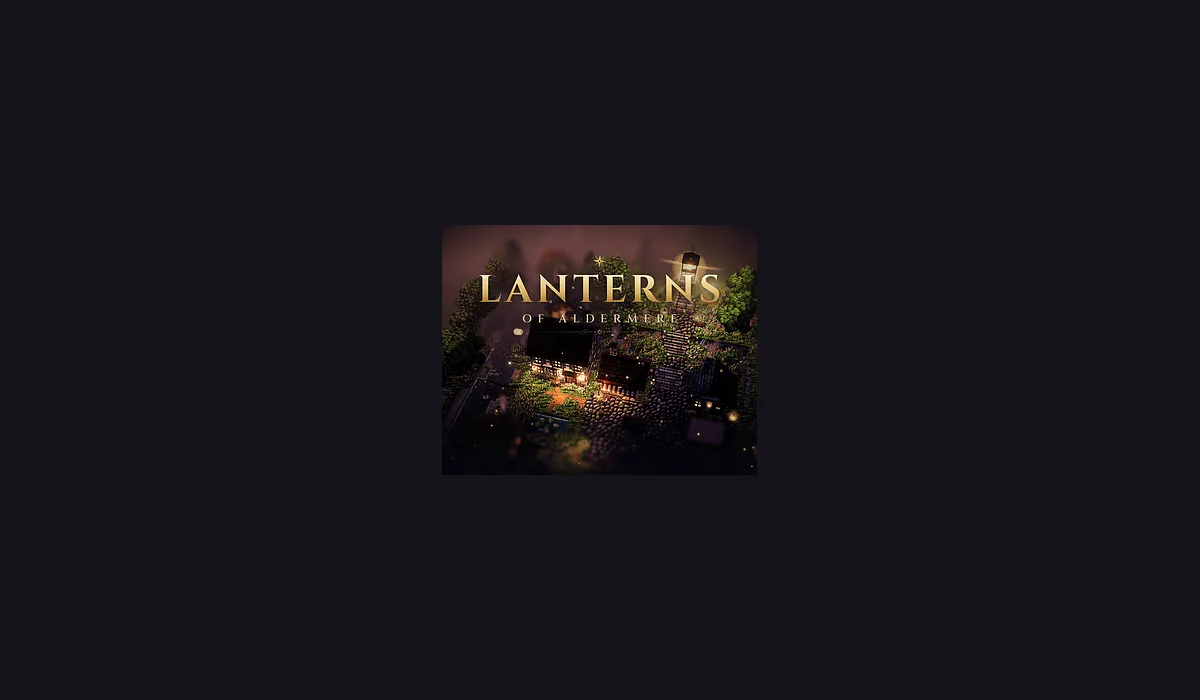
An HD-2D pixel-art RPG. Relight the lantern above Bramblehollow in Chapter One, free in your browser. Open Lanterns of Aldermere on its publisher’s browser-game page.
The publisher’s browser listing identifies this project; the destination check was unavailable or rate-limited. A complete play session, saves and physical mobile play were not verified. This is a source listing, not a guarantee that every feature works.
How to get started
- Open Lanterns of Aldermere on rivetmothgames.itch.io and find its browser player.
- Read the game’s own instructions and choose Run game or its available play control. Allow the player to load before interacting.
What you need
Project instructionsThe creator’s itch.io listing marks this release as Play in browser. Loading, account and save behavior depend on the original project; this directory does not promise cross-device progress.
Controls
Follow the player’s own keyboard, mouse or touch instructions. Specific controls and physical-device support were not independently tested.
Questions before you play
Where does this entry open?
The creator’s itch.io listing marks this release as Play in browser. Loading, account and save behavior depend on the original project; this directory does not promise cross-device progress.
What should I know before playing?
The publisher’s browser listing identifies this project; the destination check was unavailable or rate-limited. A complete play session, saves and physical mobile play were not verified. This is a source listing, not a guarantee that every feature works.
Sources & project instructions
Guide checked: