Shooters ↗
Quake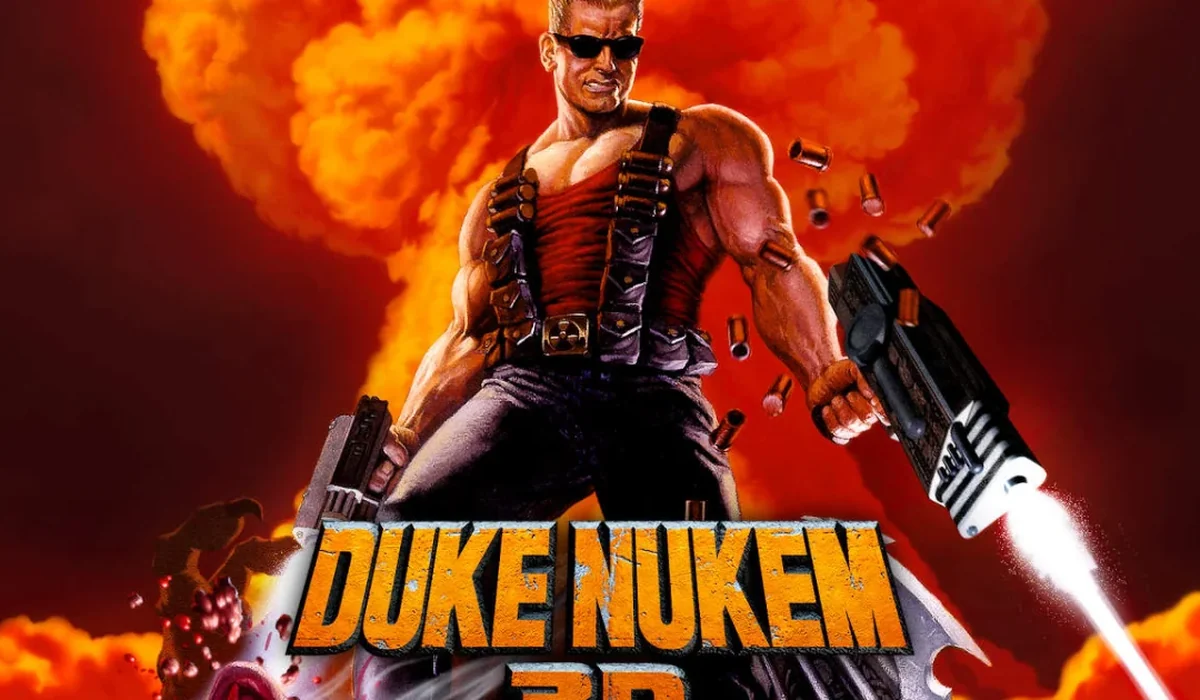
Open DOS.Zone’s browser entry for the 1996 Duke Nukem 3D. Its player and dedicated multiplayer destination provide separate ways to explore this classic shooter.
The project offers a browser start screen. It may download game data into the browser and require a recent browser or a capable device.
Desktop projects generally use keyboard and mouse. Follow the game site’s instructions for exact controls.