Before you play
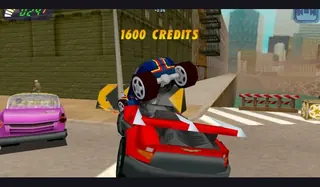
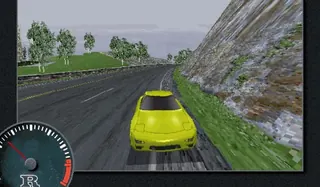
Race in the original PlayStation Crash Team Racing through RetroGames.cc’s emulator. This is the 1999 kart game, separate from Crash Bash and later remakes.
Naughty Dog · hosted by RetroGames.cc · RetroGames.cc browser edition. Play, privacy choices and progress are handled by the linked host; review its save options before clearing browser data.
How to get started
- Open the PlayStation entry on RetroGames.cc and allow the browser emulator resources to load.
- Inspect the button mapping and start the game; check the emulator’s save-state options before closing the tab.
Controls
The current Player 1 keyboard mapping uses arrows for the D-pad, Enter for Start and right Shift for Select. PlayStation Cross/Circle/Triangle/Square map to X/Z/A/S; L/R to Q/E and L2/R2 to R/T. Inspect Controls Settings before playing because bindings can be changed.
Questions before you play
Which browser edition does this link open?
Race in the original PlayStation Crash Team Racing through RetroGames.cc’s emulator. This is the 1999 kart game, separate from Crash Bash and later remakes.
What do I need before playing?
Open the RetroGames.cc browser edition and allow its resources to load. Follow the host’s play and privacy prompts. Use a desktop browser unless the entry explicitly documents phone controls; no personal game files are requested.
Where is progress saved?
Naughty Dog · hosted by RetroGames.cc · RetroGames.cc browser edition. Play, privacy choices and progress are handled by the linked host; review its save options before clearing browser data.