Before you play
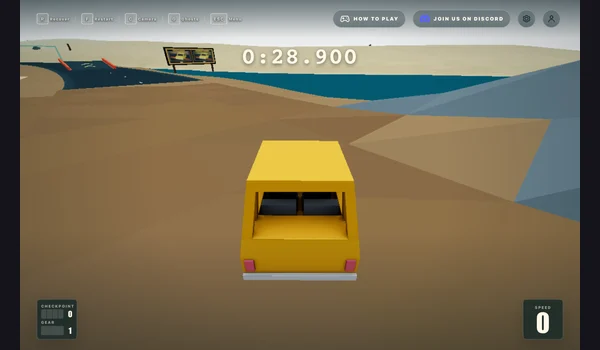
Dodge pursuing police cars, collect coins and unlock rides in Andrii’s City Chase: Escape Police. This entry opens its original Playgama listing.
The publisher listing and its device, developer and controls information were checked on October 17, 2026. The game is by Andrii. Gameplay, advertising behavior, guest saves and physical mobile performance have not been verified.
How to get started
- Open the Playgama game page and choose Play Now when its browser player is ready.
- Read the desktop or mobile controls, then steer away from pursuing police and collect coins. Use the host’s pause and reset controls when needed.
What you need
Ready to startPlaygama lists PC, Android and iOS browsers. The page offers sign-in for cross-device progress; guest save persistence was not tested. Allow the external player to load and follow any host prompts.
Controls
Left/right arrows or A/D steer; down or S reverses; R resets and Esc pauses. In button mode, up, W or Space accelerates. Touch either side to steer, both sides to reverse, or select the on-screen button mode.
Questions before you play
What do I need before starting?
Playgama lists PC, Android and iOS browsers. The page offers sign-in for cross-device progress; guest save persistence was not tested. Allow the external player to load and follow any host prompts.
What was checked?
The publisher listing and its device, developer and controls information were checked on October 17, 2026. The game is by Andrii. Gameplay, advertising behavior, guest saves and physical mobile performance have not been verified.
Sources & project instructions
Guide checked: