Before you play
Try an independent browser edition of the voice-imitation party game. Follow character dialogue and the game’s voice challenge prompts.
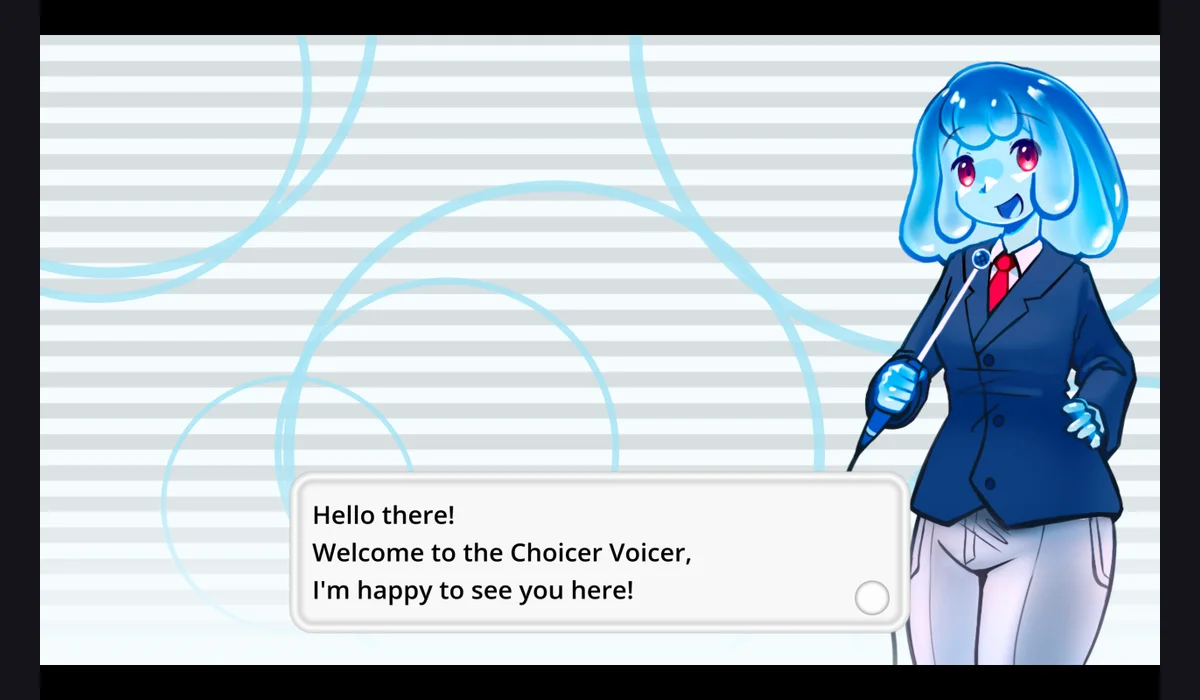
The linked fan project identifies itself as independent and unaffiliated with YeahMaybe or the official game. Its browser player reached the opening dialogue; no recording was made. The original desktop product is a separate release.
How to get started
- Open the browser player and allow the initial game download to finish.
- Read the opening dialogue and follow its challenge instructions. Review any microphone permission request before choosing whether to record.
What you need
Project instructionsA current desktop browser is recommended. The player downloads roughly 157 MB of engine and game files on first load. Voice recording may require microphone permission.
Controls
Follow the game’s dialogue and on-screen prompts. Microphone recording and scoring were not tested.
Questions before you play
Where does this entry open?
A current desktop browser is recommended. The player downloads roughly 157 MB of engine and game files on first load. Voice recording may require microphone permission.
What should I know before playing?
The linked fan project identifies itself as independent and unaffiliated with YeahMaybe or the official game. Its browser player reached the opening dialogue; no recording was made. The original desktop product is a separate release.
Sources & project instructions
Guide checked: