Before you play
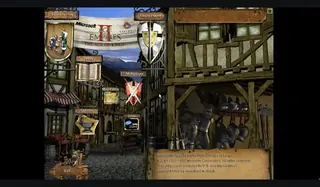
Open DOS.Zone’s Age of Empires entry using Windows 95 / DOSBox-X. The retained game screen shows Single Player, Multiplayer, Help, Scenario Builder and Exit.
Wait for Windows 95; if it stops at the desktop, double-click the Age of Empires shortcut and allow the intro to finish. This is the first Age of Empires, separate from The Age of Kings and later Definitive Editions. The recorded startup reached this menu without selecting a local game archive; no completed mission or save restore is recorded.
How to get started
- Open the original DOS.Zone entry and allow its initial resources to load.
- Wait for Windows 95; if it stops at the desktop, double-click the Age of Empires shortcut and allow the intro to finish.
Controls
Use the original player and the game’s own Help or Options to find the current mapping. The visible choices are Single Player, Multiplayer, Help, Scenario Builder and Exit. Full keyboard shortcuts, gamepad and phone touch mappings remain unknown here.
Questions before you play
Which browser project does this entry open?
Wait for Windows 95; if it stops at the desktop, double-click the Age of Empires shortcut and allow the intro to finish. This is the first Age of Empires, separate from The Age of Kings and later Definitive Editions. The recorded startup reached this menu without selecting a local game archive; no completed mission or save restore is recorded.
What should I know about keeping progress or scenes?
Keep this host’s browser data until you have a working backup and restore procedure. An in-game Load choice and a host disk/save icon are different mechanisms. Neither a menu label nor a Play Online link establishes a completed save round trip or a working multiplayer match.