Before you play
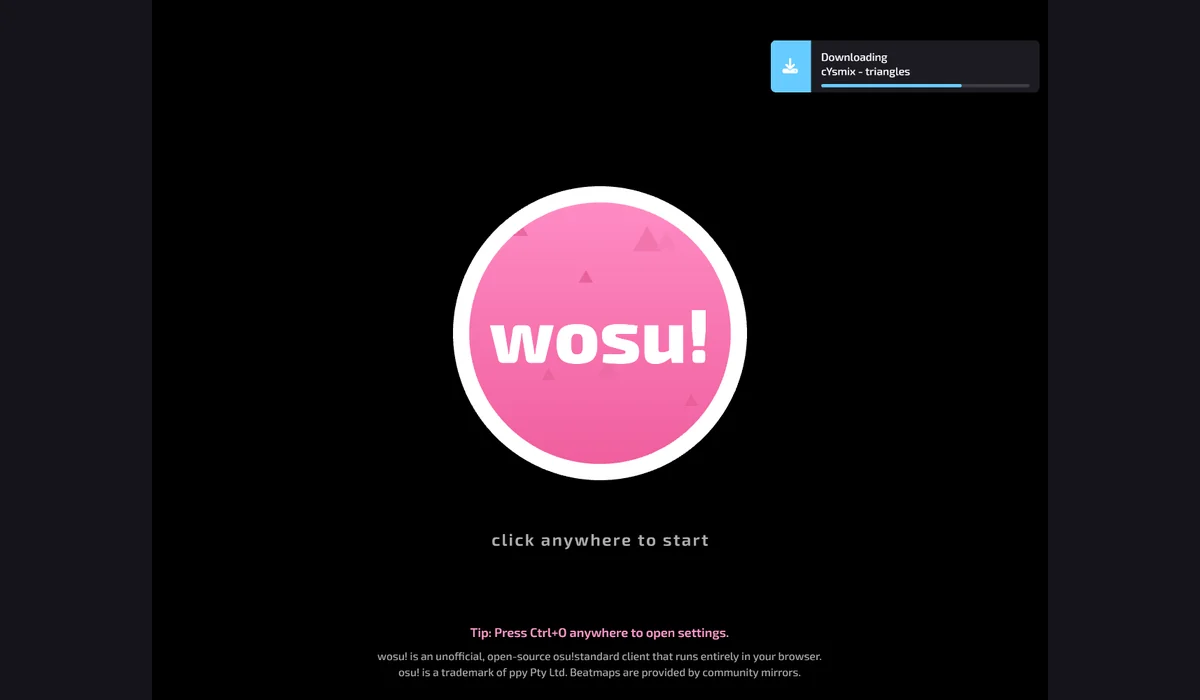
wosu! is an unofficial open-source osu!standard browser client, linked as the successor from WebOsu-2’s own website. Its start screen loads community beatmaps for a rhythm-game session.
This is a community project, separate from official osu!. The client start screen and beatmap loading were checked; a complete song has not been verified. The broad keyword “osu game” remains pending rather than being counted as an exact official-game match.
How to get started
- Open wosu.dino.icu and let the client and beatmap assets load, then select its start screen.
- Choose a supported beatmap and read the client’s settings and input instructions. Scoring, accounts and supported modes can differ from the official osu! client.
What you need
Ready to startThe project offers a browser start screen. It may download game data into the browser and require a recent browser or a capable device.
Controls
Desktop projects generally use keyboard and mouse. Follow the game site’s instructions for exact controls.
Questions before you play
What do I need to start?
The project offers a browser start screen. It may download game data into the browser and require a recent browser or a capable device.
Which device should I use?
Desktop. Desktop projects generally use keyboard and mouse. Follow the game site’s instructions for exact controls.
Where does this game open?
Use Open game site to reach the original project in a new tab. The game, accounts and server options are provided by that project.