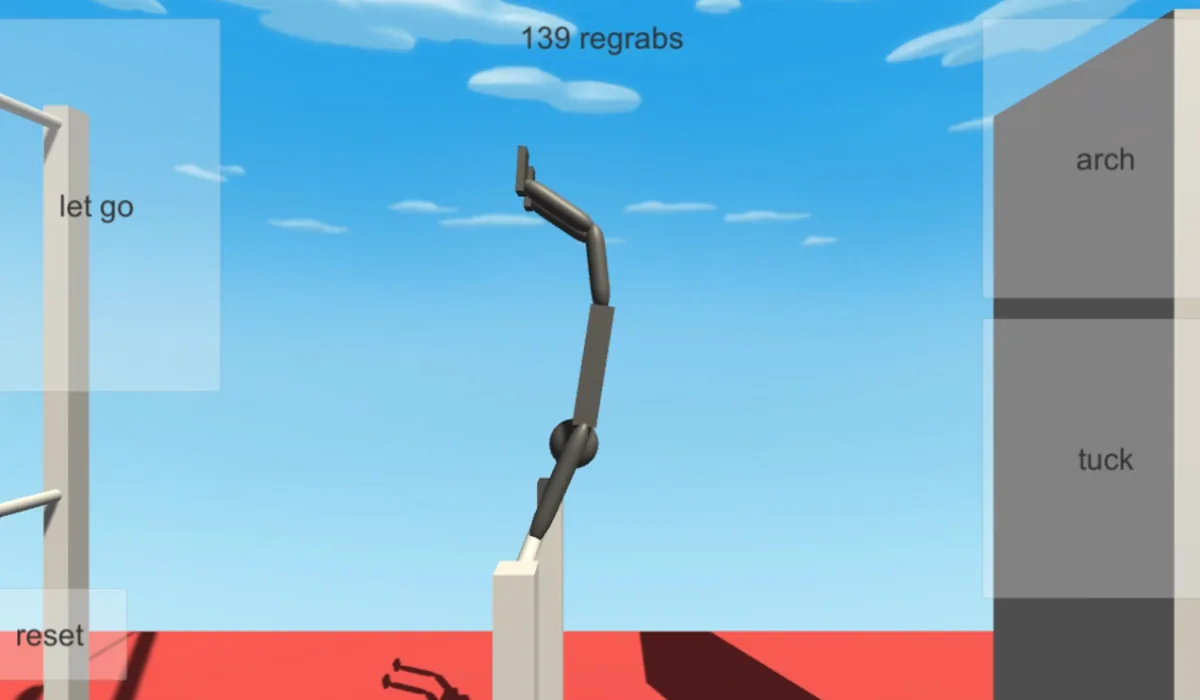
Before you play
NoomiClone’s creator page offers a Unity browser prototype for bar swings and flips. Use body position, momentum and release timing; this entry is separate from the mobile app’s feature set.
The creator’s HTML5 page, controls and Run game iframe were checked. Complete gameplay remains unverified. The browser prototype does not promise the maps or features of the current mobile app.
How to get started
- Open jamesnorth’s itch.io page, select Run game and let the Unity browser player load.
- Click inside the player for keyboard focus. Use Left Arrow to arch, Space to tuck, Up Arrow to let go and R to reset, as documented by the creator.
What you need
Ready to startThe project offers a browser start screen. It may download game data into the browser and require a recent browser or a capable device.
Controls
Desktop projects generally use keyboard and mouse. Follow the game site’s instructions for exact controls.
Questions before you play
What do I need to start?
The project offers a browser start screen. It may download game data into the browser and require a recent browser or a capable device.
Which device should I use?
Desktop. Desktop projects generally use keyboard and mouse. Follow the game site’s instructions for exact controls.
Where does this game open?
Use Open game site to reach the original project in a new tab. The game, accounts and server options are provided by that project.