Before you play
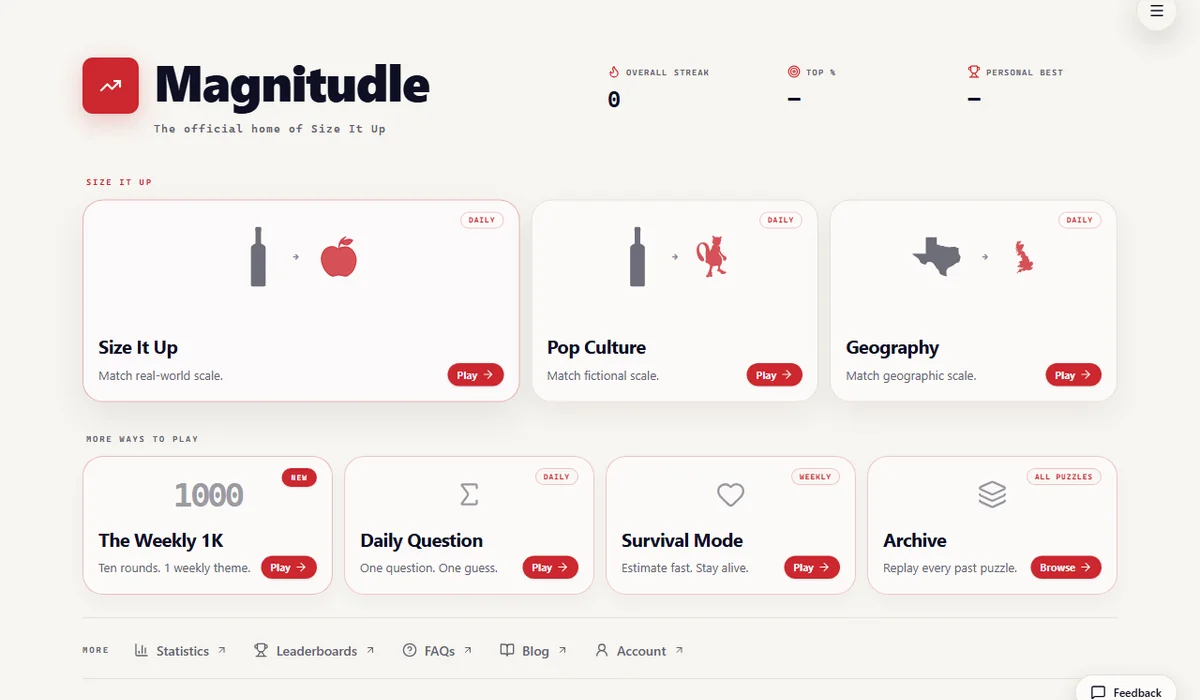
Magnitudle is Teej’s estimation-game collection from GriddleLink Games. Size It Up asks you to resize silhouettes against a reference; Daily Question asks for one numerical estimate.
How to get started
- Open magnitudle.com and choose Size It Up, Daily Question or another mode from the original menu.
- For Size It Up, compare the silhouettes, resize the target and lock in the estimate. Read the reveal before moving to the next comparison.
What you need
Ready to startThe project offers a browser start screen. It may download game data into the browser and require a recent browser or a capable device.
Controls
Desktop projects generally use keyboard and mouse. Follow the game site’s instructions for exact controls.
Questions before you play
What do I need to start?
The project offers a browser start screen. It may download game data into the browser and require a recent browser or a capable device.
Which device should I use?
Desktop. Desktop projects generally use keyboard and mouse. Follow the game site’s instructions for exact controls.
Where does this game open?
Use Open game site to reach the original project in a new tab. The game, accounts and server options are provided by that project.