Before you play
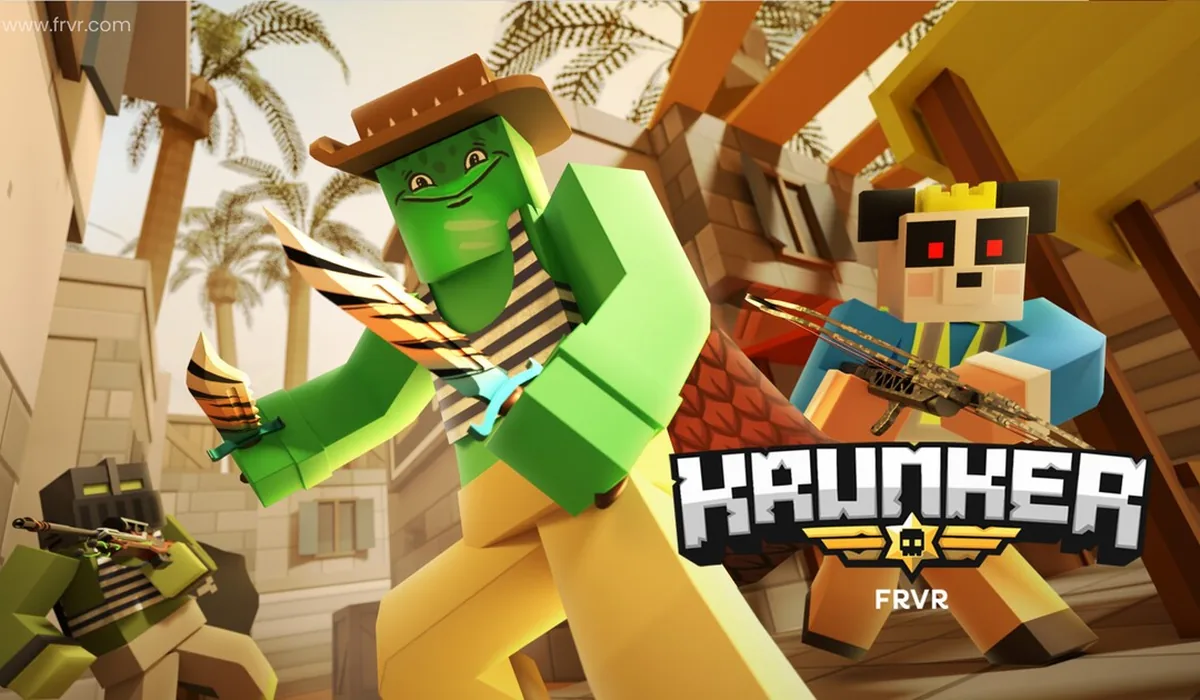
Krunker.io is a browser multiplayer first-person shooter. Its original menu offers quick matches, server browsing and custom games, with separate settings, account and store options.
The original game menu and server selection were checked; a complete multiplayer match has not been verified. Accounts, optional purchases and server availability are managed by Krunker.
How to get started
- Open krunker.io on a computer and wait for its game menu. Review Settings and the original privacy choices.
- Choose Click to Play or browse the available games. Read the original control prompts and check the selected server before joining.
What you need
Ready to startThe project offers a browser start screen. It may download game data into the browser and require a recent browser or a capable device.
Controls
Desktop projects generally use keyboard and mouse. Follow the game site’s instructions for exact controls.
Questions before you play
What do I need to start?
The project offers a browser start screen. It may download game data into the browser and require a recent browser or a capable device.
Which device should I use?
Desktop. Desktop projects generally use keyboard and mouse. Follow the game site’s instructions for exact controls.
Where does this game open?
Use Open game site to reach the original project in a new tab. The game, accounts and server options are provided by that project.