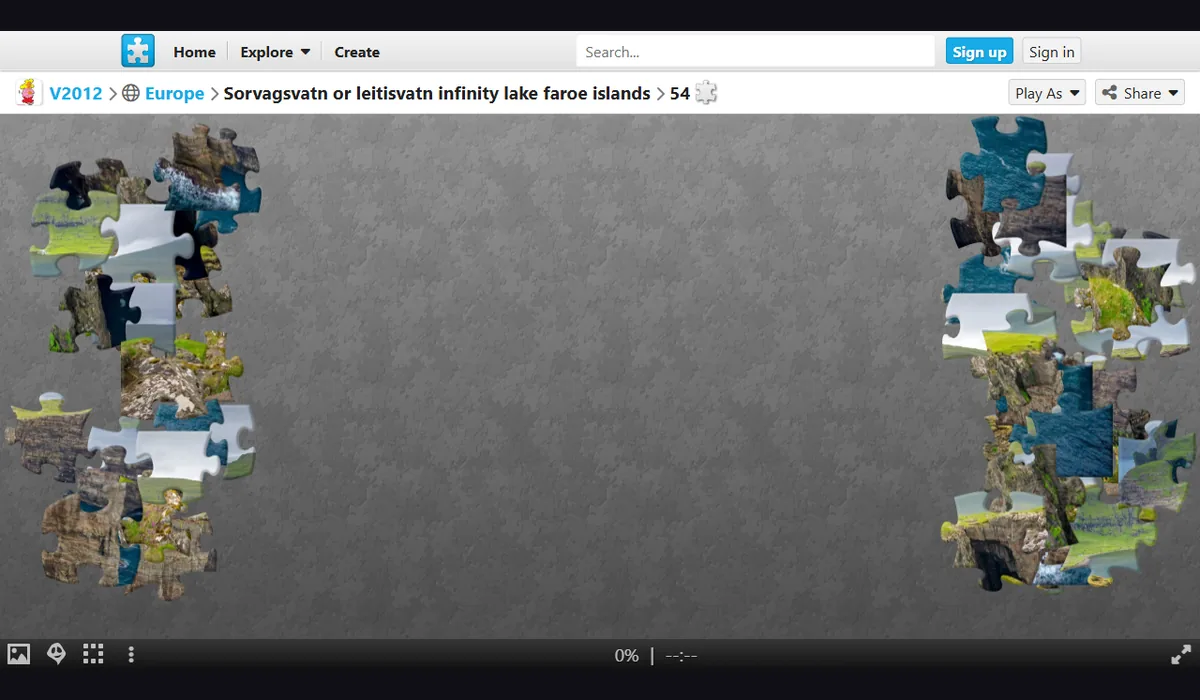
Before you play
Choose a picture and assemble its pieces in Jigsaw Planet’s browser player. The site labels puzzle piece counts and rotation settings so you can pick a suitable challenge.
Puzzle images and settings are supplied by their original uploaders. Check the selected puzzle’s attribution; account options are managed by Jigsaw Planet.
How to get started
- Open Jigsaw Planet and select a suggested puzzle, checking its piece count and rotation label.
- Wait for the puzzle player and drag pieces into place. Use its preview and arrangement controls when needed.
What you need
Ready to startThe project offers a browser start screen. It may download game data into the browser and require a recent browser or a capable device.
Controls
This project targets mobile devices. See the original site for touch controls and supported mobile browsers.
Questions before you play
What do I need to start?
The project offers a browser start screen. It may download game data into the browser and require a recent browser or a capable device.
Which device should I use?
Mobile project. This project targets mobile devices. See the original site for touch controls and supported mobile browsers.
Where does this game open?
Use Open game site to reach the original project in a new tab. The game, accounts and server options are provided by that project.