Before you play
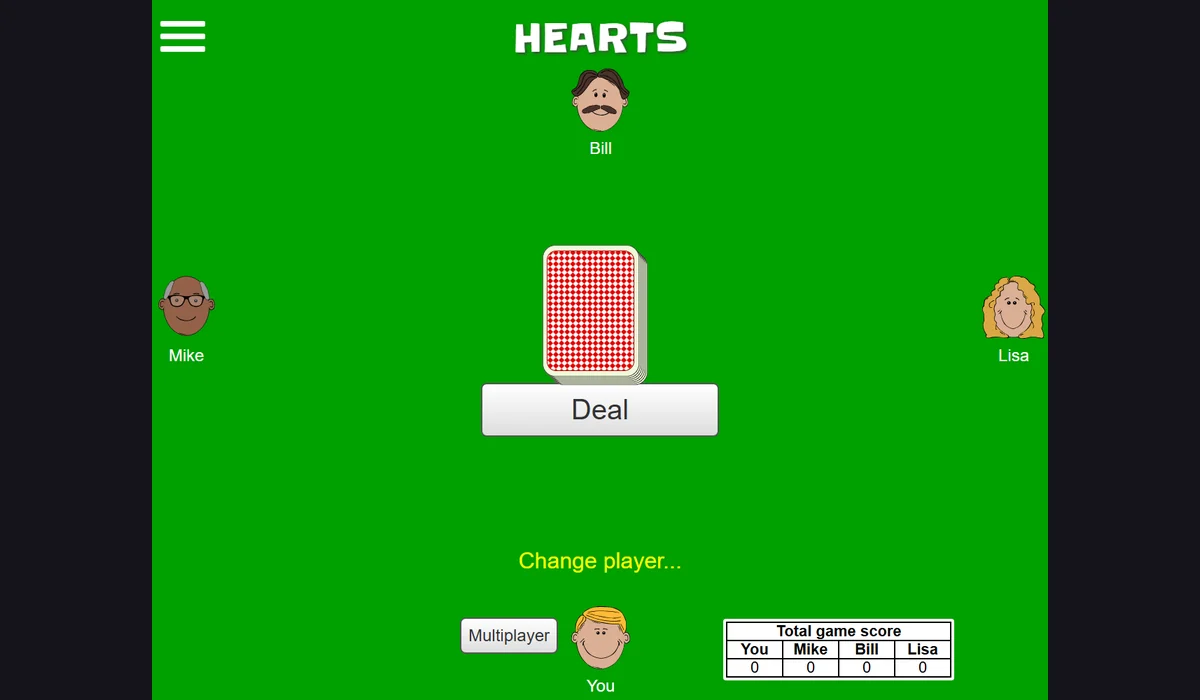
Play Hearts against the browser’s computer opponents at Cardgames.io. Aim for fewer penalty points, follow suit when possible and read the site’s rules before passing cards.
Cardgames.io lists its own rule variations and a separate multiplayer option. A solo browser hand does not require this directory’s account.
How to get started
- Open Hearts, read Rules and choose Deal to receive the first hand.
- Select cards as prompted for passing, then follow the highlighted legal plays. Check the score after the hand.
What you need
Ready to startThe project offers a browser start screen. It may download game data into the browser and require a recent browser or a capable device.
Controls
This project targets mobile devices. See the original site for touch controls and supported mobile browsers.
Questions before you play
What do I need to start?
The project offers a browser start screen. It may download game data into the browser and require a recent browser or a capable device.
Which device should I use?
Mobile project. This project targets mobile devices. See the original site for touch controls and supported mobile browsers.
Where does this game open?
Use Open game site to reach the original project in a new tab. The game, accounts and server options are provided by that project.